
What is Natamux
Natamux is an open-source Agent Development Environment (ADE). You write your team’s workflow once, in a file named .natamux.json: the stages, the approvals, the paths a task can take and the send backs. Every task of every person then runs that workflow, each in its own git worktree and terminals. Coding agents such as Claude Code, Codex, Gemini CLI, GitHub Copilot CLI and Cursor do the work, and each stage can use a different one. You step in only where the workflow asks for you.
The problem
Section titled “The problem”Coding agents are good at one job at a time. When you run several, you start to juggle:
- Terminal tabs, and no way to tell which agent is working, which is stuck and which finished an hour ago.
- Branches that collide, because two agents edit the same checkout.
- Permission prompts and questions that wait unseen.
- Work that nobody checked before it reaches a pull request.
- Different agents with different tools and no common view.
- On a team, each person runs agents their own way, so there is no shared process for spec, review, CI and QA.
Agents that check each other
Section titled “Agents that check each other”Every task goes through stages. The default pipeline is:
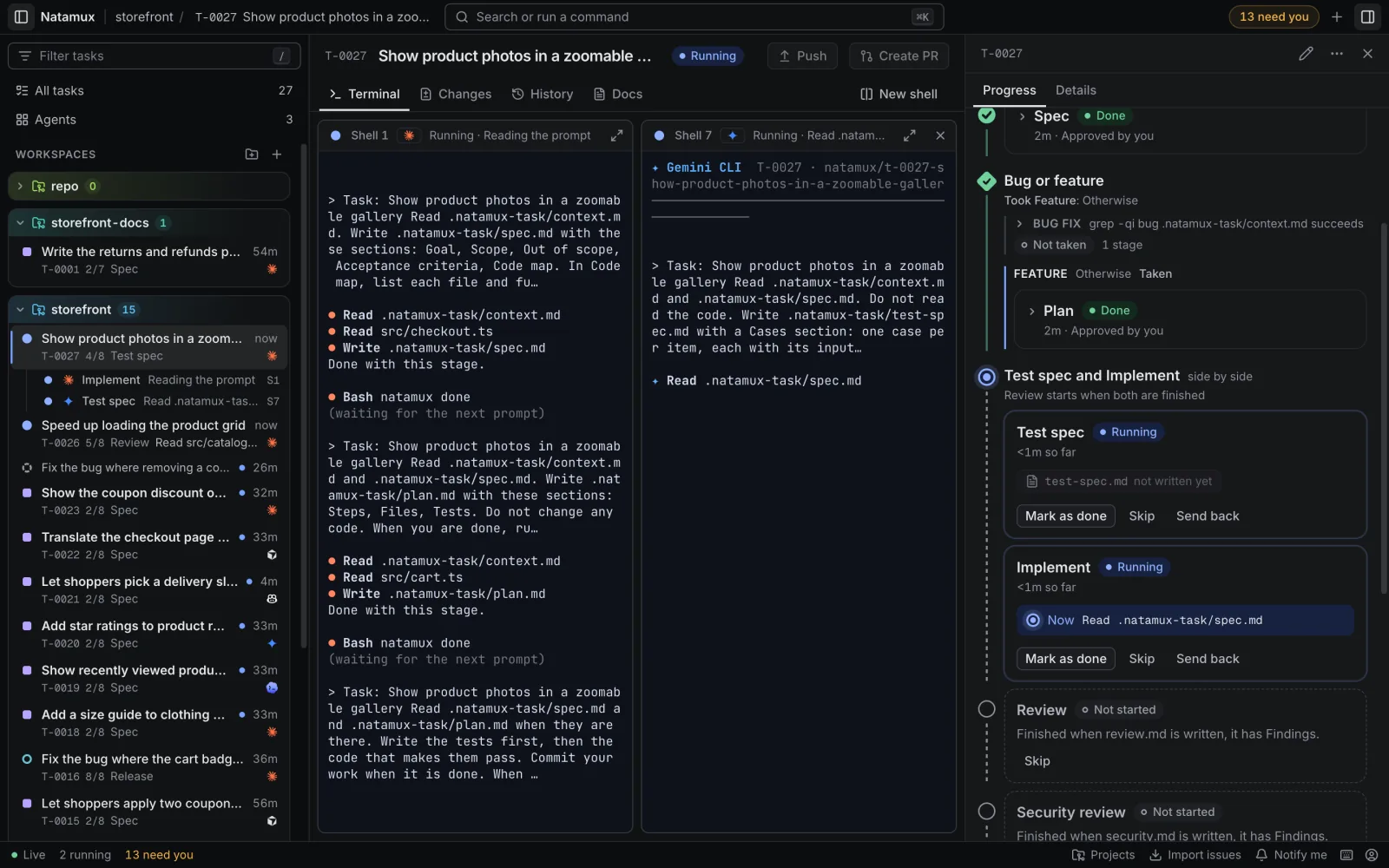
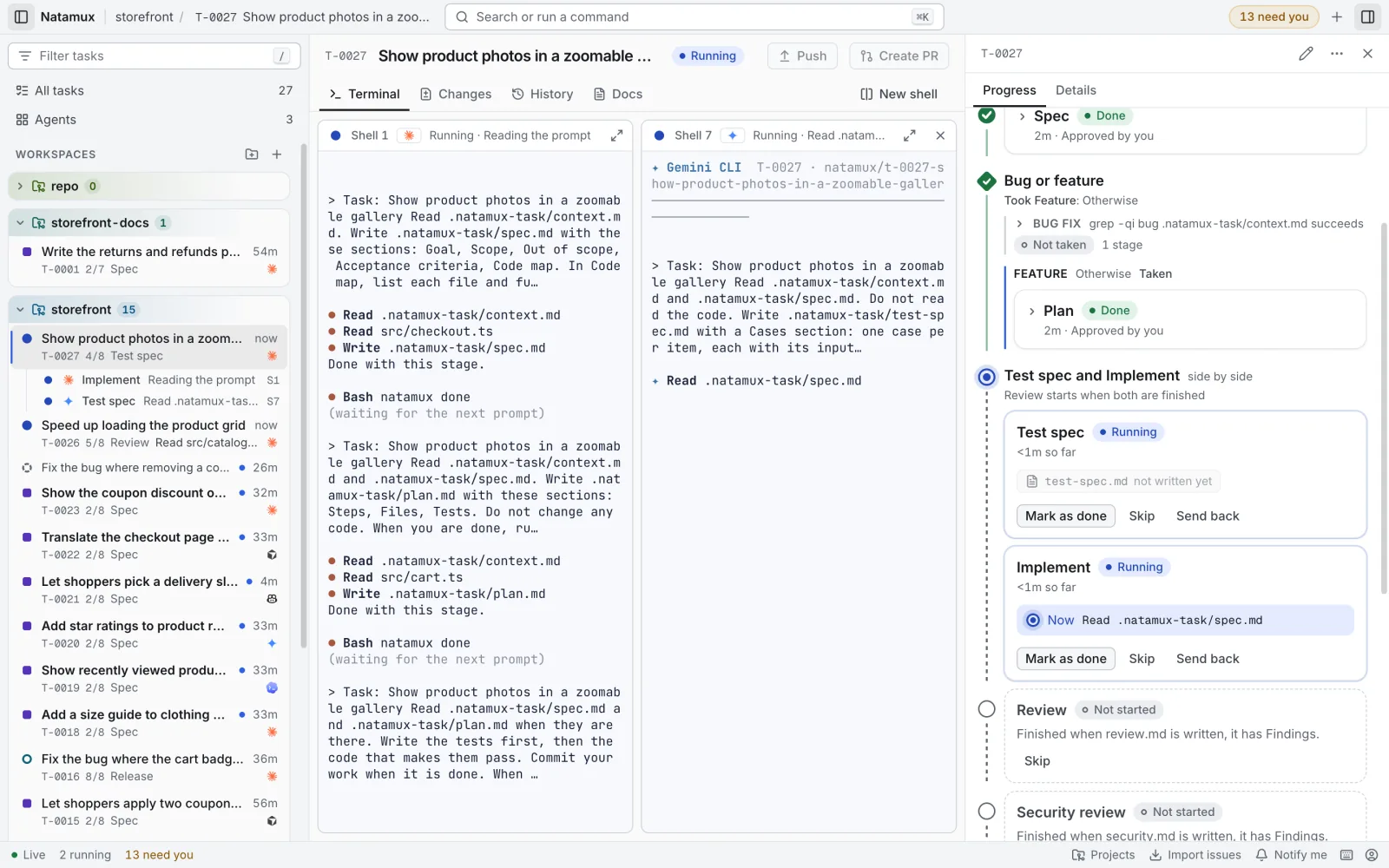
Context → Spec → Plan → [ Test spec ‖ Implement ] → Automated tests → Review → ReleaseYou approve the spec, the plan and the test spec. After you approve the plan, two agents work at once: one writes test cases from the spec without reading the code, the other writes the code. Then the tests run, and a third agent reviews the changes in a session of its own. When the review finds problems, it sends the task back to Implement by itself, at most two times, and then asks you. See The review loop.
What you get
Section titled “What you get”A worktree and a terminal per task
Section titled “A worktree and a terminal per task”A task gets its own branch, such as natamux/t-0001-fix-login, and its own folder, so agents never step on each other. Its shells keep running when you close the dashboard, and come back with their screen when you open it again. See Workspaces and Terminal.
One place to see what needs you
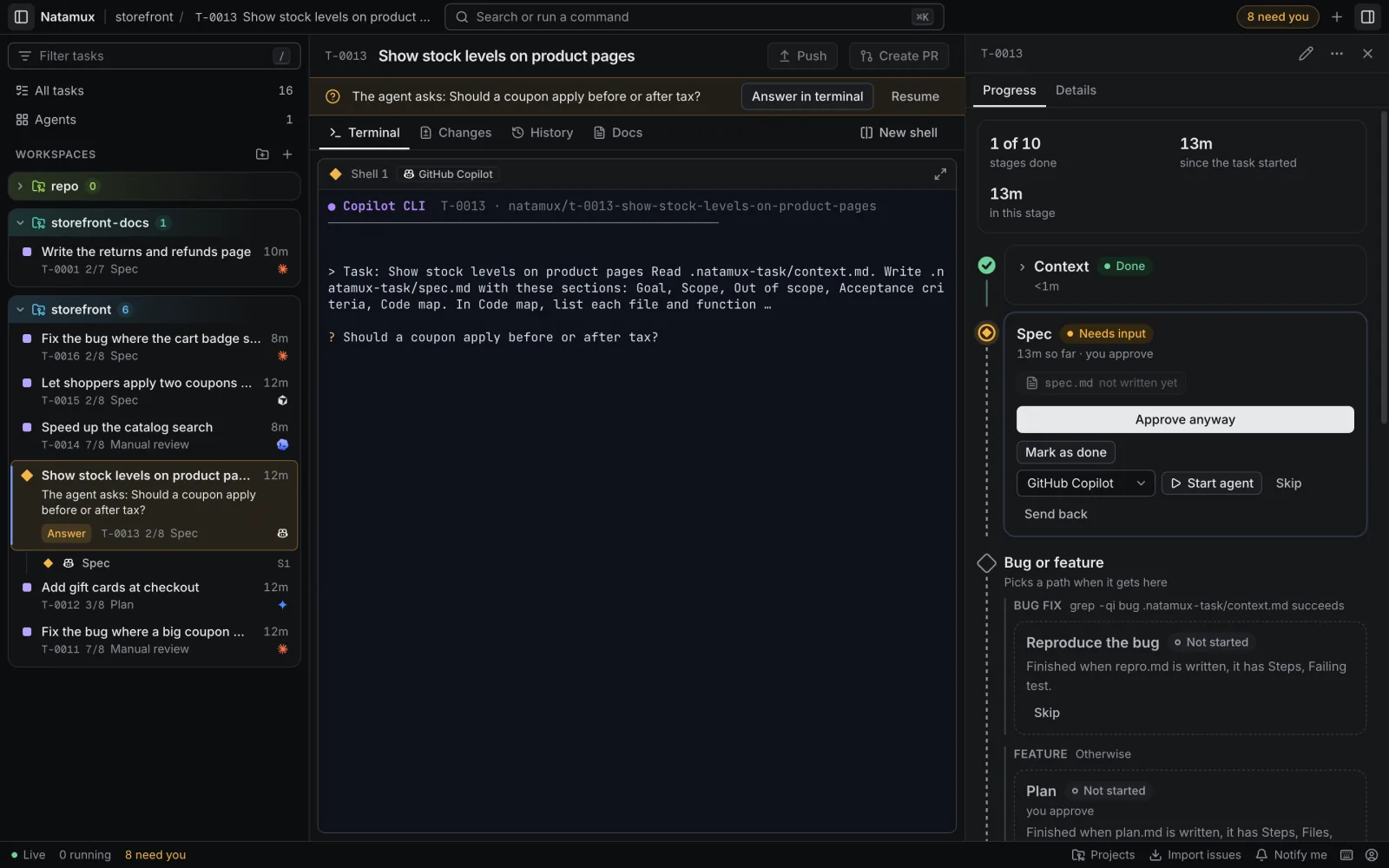
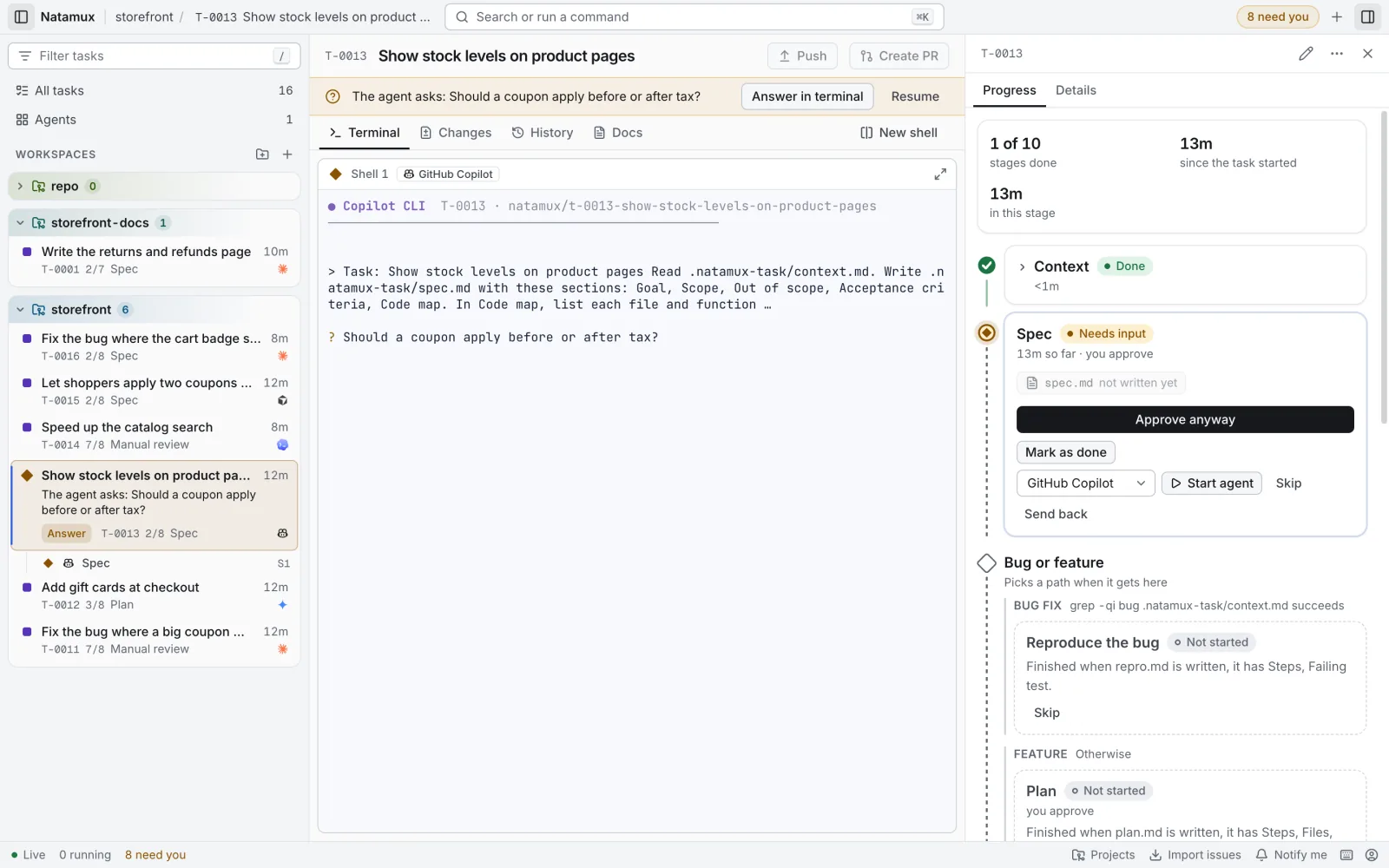
Section titled “One place to see what needs you”The title bar counts the tasks that wait for you: an agent asked a question, a stage is ready for review, a task failed or is blocked, or an agent has been quiet for 10 minutes. In the sidebar, a question or a failure becomes a card with an Answer button. Turn on Notify me to get a system notification. See Needs you.
Three views of the work
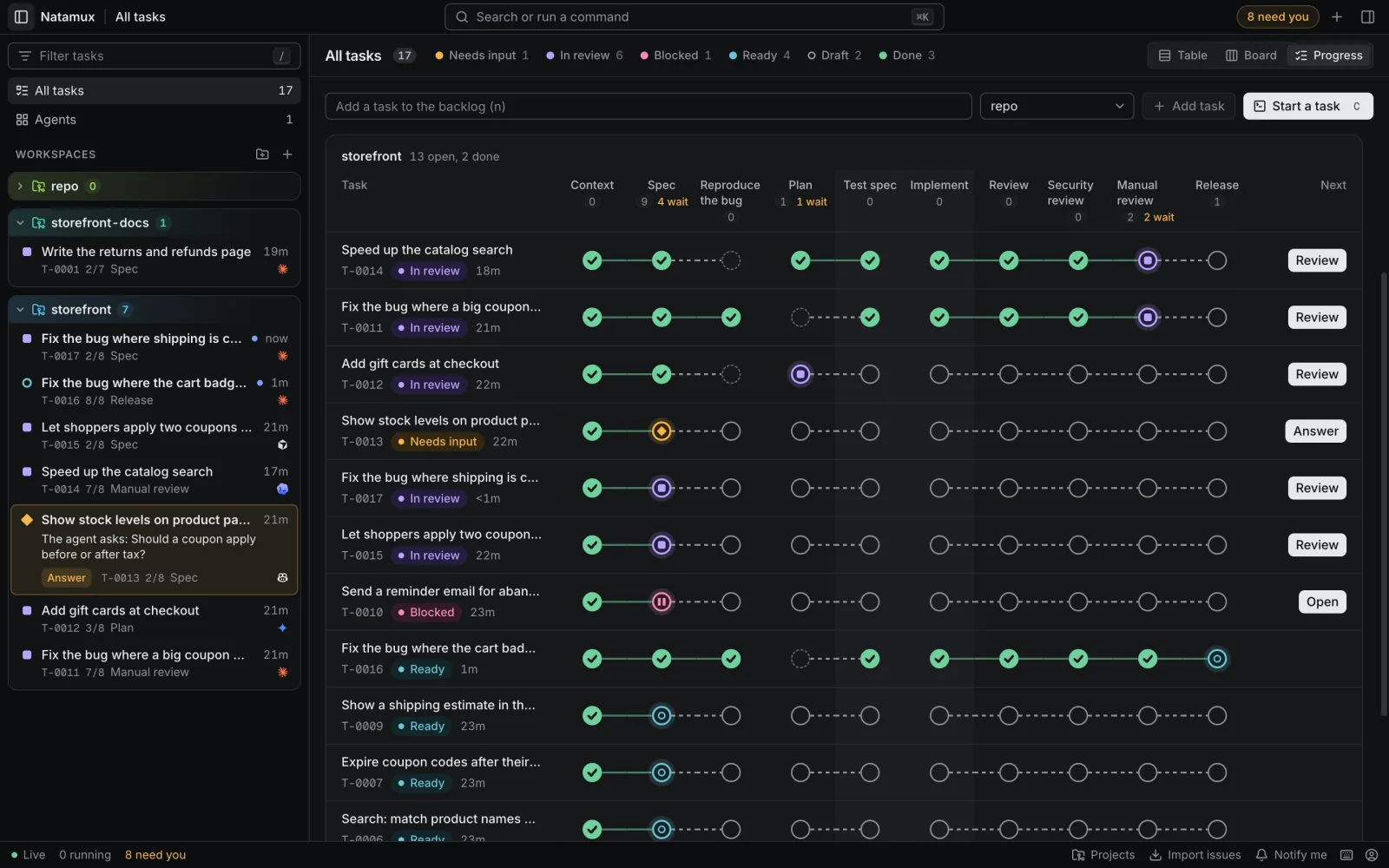
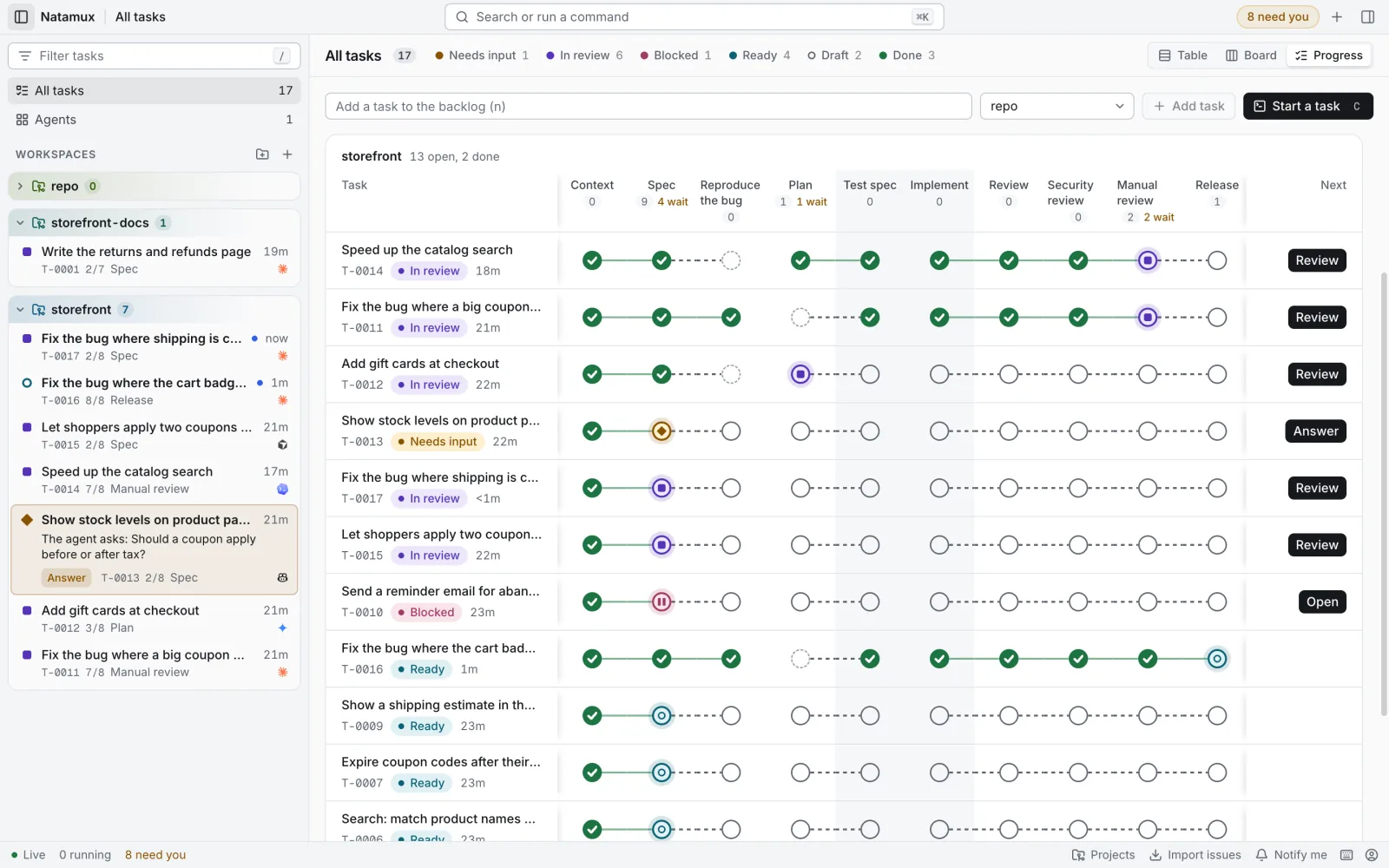
Section titled “Three views of the work”Switch the task list between Table, Board and Progress. The progress view lines up every task against its stages, with the next action for each one. The Agents view shows up to six live agent terminals in a grid. See Dashboard.
Stages you can shape
Section titled “Stages you can shape”Each project can change its pipeline in Project settings: pick stages from a catalog of 28 (Research, Security review, Manual testing, Release notes, and more), run stages side by side, choose which ones wait for you, give a stage its own agent or model, check a stage on CI, or run it as a Claude Code workflow. You can split the pipeline into paths with a condition, such as a review path and a develop path. A review agent or a CI check can send a task back to an earlier stage, and each stage can use its own agent, such as Claude Code to write, Cursor to review and Copilot to watch CI. Settings are saved in .natamux.json, so the whole team can commit and share one process. See Project settings, Build a workflow and Mix agents in one task.
Review and ship from the dashboard
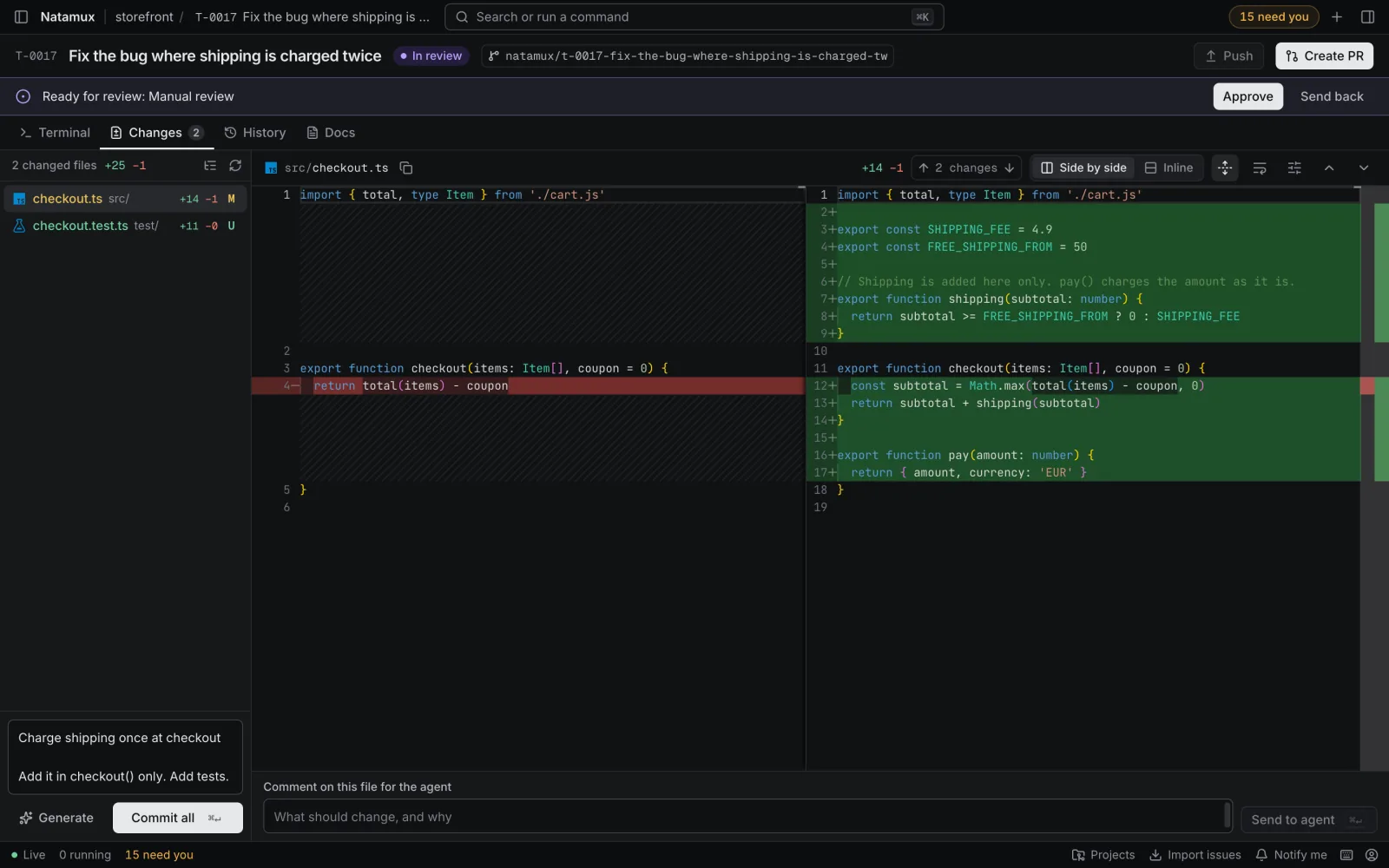
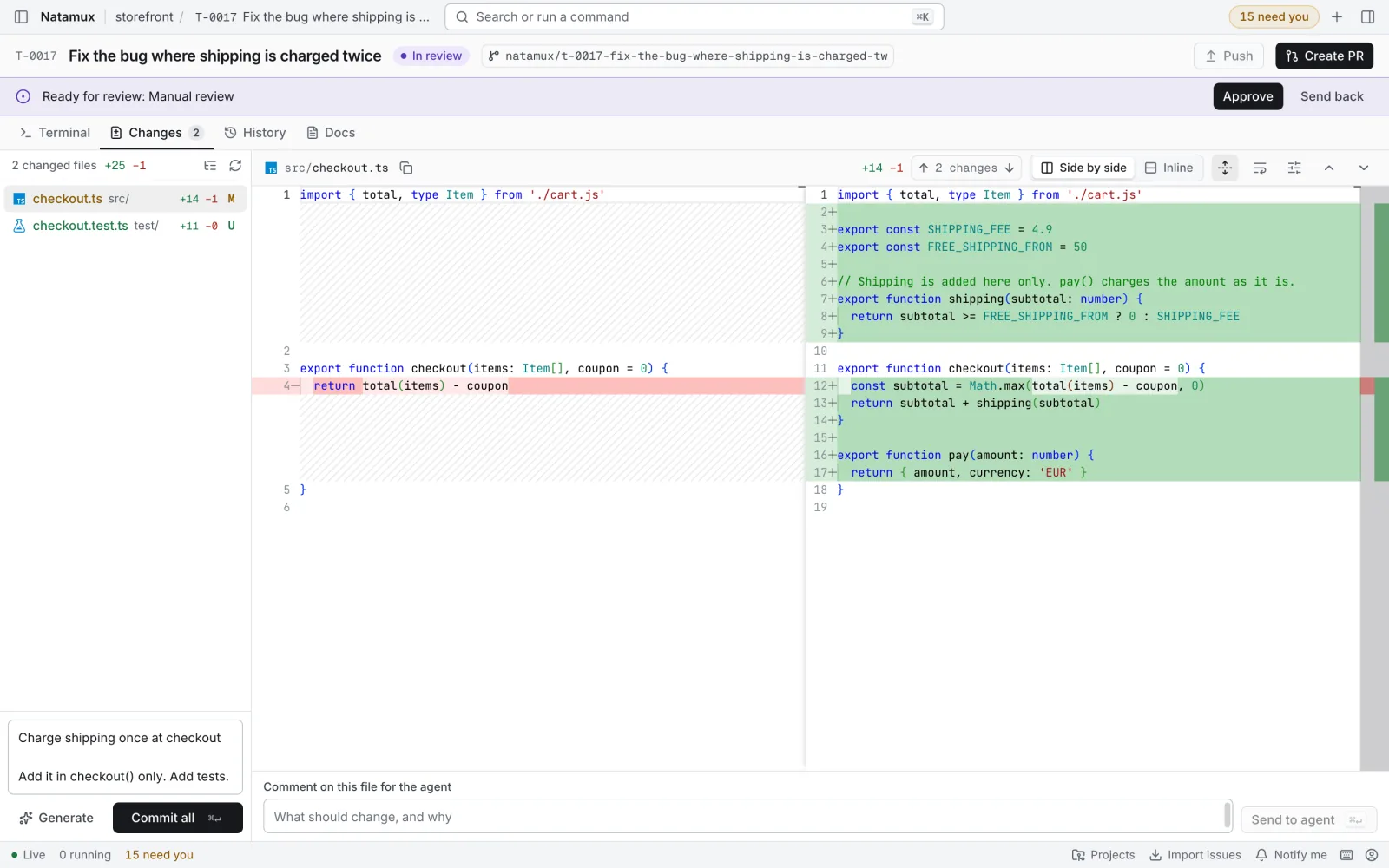
Section titled “Review and ship from the dashboard”The Changes tab shows side-by-side or inline diffs, image diffs, and a box to send a comment on a line straight to the agent. Generate asks the agent for a commit message. Commit all, Push and Create PR finish the job, and the task is done when the pull request is merged. See Changes and history and GitHub.
Five agents, and any other
Section titled “Five agents, and any other”Natamux starts Claude Code, Codex, Gemini CLI, GitHub Copilot CLI and Cursor in the task’s terminal, and adds hooks to each session, so the dashboard knows when an agent works, asks or finishes. Any other terminal agent works too, with the terminal bell and natamux ask / natamux done. See Agents and hooks.
A command line for you and your agents
Section titled “A command line for you and your agents”natamux, short name nmx, creates tasks, moves stages, and lets agents report: natamux ask "Which API?", natamux done. See Use the command line.
Desktop app or browser
Section titled “Desktop app or browser”Use the desktop app for macOS, Windows or Linux, which starts everything for you and updates itself, or run the daemon and open the dashboard in a browser tab, also in Docker.
No account and no telemetry
Section titled “No account and no telemetry”Natamux runs on your machine, with no account, no server of its own and no analytics. Besides the update check of the desktop app, it talks to GitHub only through your own git and gh login, for example to follow your pull requests and CI. Your agents talk to their own services, with their own logins. See Security and privacy.
How the parts fit
Section titled “How the parts fit” Desktop app or browser tab natamux / nmx (CLI) | | | HTTP + WebSocket | HTTP v v +-------------- daemon ---------------+ | tasks, stages, git worktrees, | | terminals, GitHub | +-----------------+-------------------+ | one terminal per task v agent (claude, codex, ...) | | hooks: "working", "asks", "done" +--------> back to the daemon- The daemon is a background process on your machine. It owns all task state. It listens on
127.0.0.1only and needs a token on every request. - The dashboard is the web page the daemon serves. The desktop app is a window around it and starts the daemon for you.
- The CLI talks to the daemon over HTTP. Agents call it from their terminals.
- Agents are the command-line tools you already have installed. Hooks tell the daemon what each agent does.
Tasks are plain Markdown files with a small header, so they are easy to read and back up. A SQLite index is only a cache of them.
Where to go next
Section titled “Where to go next”- Install Natamux: the desktop app for macOS, Windows or Linux.
- Quick start: from first launch to a merged change.
- The review loop: how the default pipeline runs three agents. Then Build a workflow and Mix agents in one task to shape your own.
- Tasks, Workspaces and Stages: the core ideas.
- Troubleshooting and the FAQ.